Will
Games · calm, no pressure
- Free lesson: a Guess the Number game
- Bonus project: a game with levels
Small steps. Big wins.
This page is for parents and guardians.
Ages 13-17 · short video lessons · for parents
In 6 short lessons, your teen builds and publishes a real app with AI — and can explain how it works. No coding experience needed. Start with a free lesson: their first mini app in about 20 minutes.
Free · parent email only · no card
64% of teens use AI chatbots. Only about half of parents know. Pew Research Center, 2026
Watch a 5-8 minute lessonOne idea per lesson, shown on screen.
Build one small piece in their own appEvery lesson ends with a task they do themselves.
You get a weekly emailWhat they should have done, and one question to ask them.
A link they can open on a phone and show you. Here are three small apps of the kind they build:
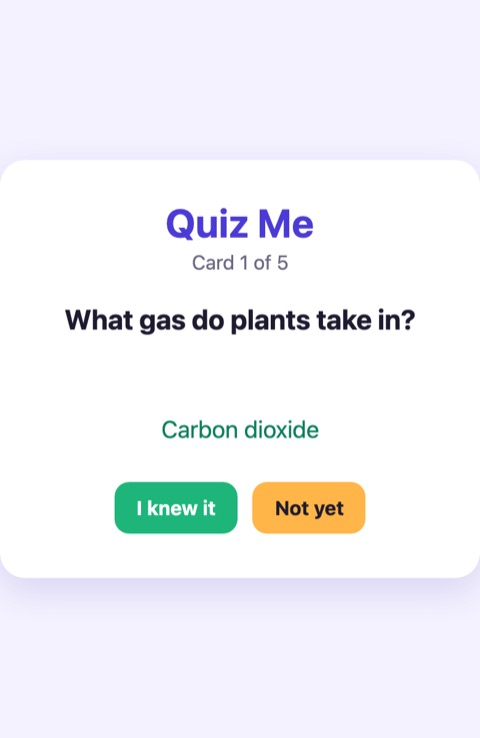
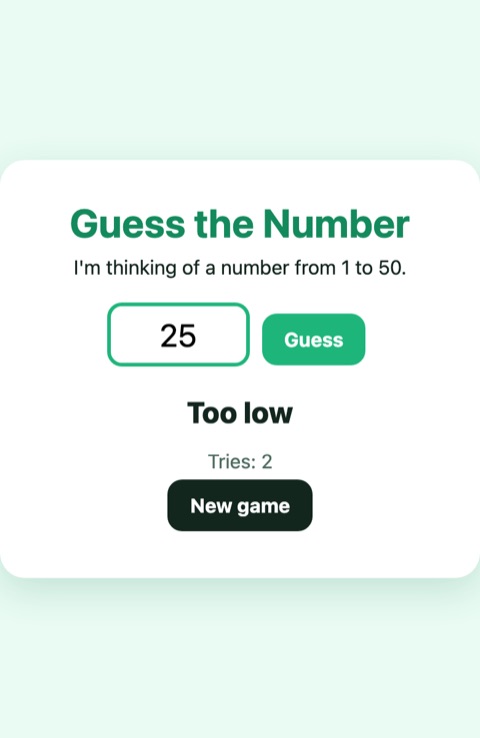
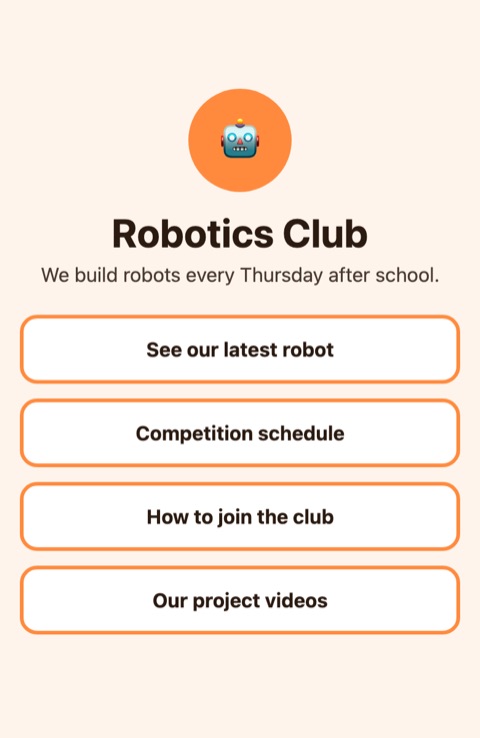
It is the first worry for a lot of parents. The AI writes code when asked. Your teen decides what the app should do, and checks that it does it.
It's their own project, not homework.
Each lesson solves one common wall and ends with a small task in their own app.
Three AI instructors, each with an AI voice and a favorite kind of project. The core lessons are the same; your instructor changes the example app and the bonus project. You can switch anytime.
Games · calm, no pressure
Small steps. Big wins.
School and study · explains the why
Know why it works, and you can build anything.
Creators and side projects · fast
Ship it, then make it better.
Will, Matilda and Liam are AI characters, not real people.
A chatbot on its own can help a lot. Here is what the lessons add.
| A chatbot on its own | Teen AI Builders | |
|---|---|---|
| Order | Your teen decides what to ask, and when | Six lessons, in an order that builds one app |
| Getting stuck | Errors often end in starting over | Each lesson covers a place where beginners stall |
| Safety | Each tool's age rules are yours to check | Only tools whose terms allow teens, listed for you first |
| Your view | You see what they choose to show | A weekly email with one question to ask them |
Step 1: the free lesson, no card. Step 2, only if you want it:
Starter course · taught by Matilda, an AI instructor
US$19 once
About US$3 a lesson · no subscription · full refund within 14 days
A longer course comes next. Starter buyers hear about it first.
Teen AI Builders is a small team that builds apps with AI. We plan each lesson and build every example app on this page ourselves.
Questions before you sign up? Email us at support@teenaibuilders.org.
We email you a link to confirm your address. The free lesson arrives right after you confirm your email.
We sent you a link. Click it and the free lesson opens right away. If you don't see it, look in spam or promotions.
Thank you. Your answers help us decide what to teach next.
Yes. No card and no trial that turns into a payment. You give a parent email, confirm it, and the lesson opens. The Starter course is a separate purchase, only if you want it.
Not when it's their own project. The lessons are about building something of their own, not schoolwork. They keep a log of what they asked the AI and finish with an authorship card that says which parts they made and which parts the AI made. If their school has rules about AI, those still apply to schoolwork.
They can, and many already do. The lessons add an order to follow, help at the usual sticking points, tools whose terms allow teens, and a weekly email for you.
They don't write code from scratch. Most teens pick an app tied to something they already like: a game, a study tool, a page for a club. The free lesson is a quick way to find out if it clicks.
Not much. You do one safety check together in Lesson 3. Each week you get a short email with one question to ask them. The rest they do on their own.
No. They describe what they want in plain English and use AI tools to build it. They learn how apps fit together along the way.
A laptop or desktop computer with a recent browser. A phone or tablet is not enough to build.
Only tools whose terms allow teens aged 13-17 with a parent's permission. Some popular AI tools are for adults only, and we do not use those with students. You get the list before your teen starts.
Lessons are 5-8 minutes each. The Starter course comes with a 4-week plan, but your teen can go faster or slower.
You get a short weekly email with what they should have done and a question to ask them. At the end, they send you a 60-second video of their app.
A small team that builds apps with AI. The lessons are screen recordings presented by AI instructors (Will, Matilda and Liam) with AI voices. They are characters, not real people.
Yes. Paid courses have a full refund within 14 days.
Free · parent email only · no card